15 ChatGPT Prompts for Work That Actually Save Time
The difference between a useless ChatGPT answer and a useful one is usually the prompt, not the tool. These fifteen prompts cover the desk work most people repeat every week, and each one shows exactly what to swap in for your situation.
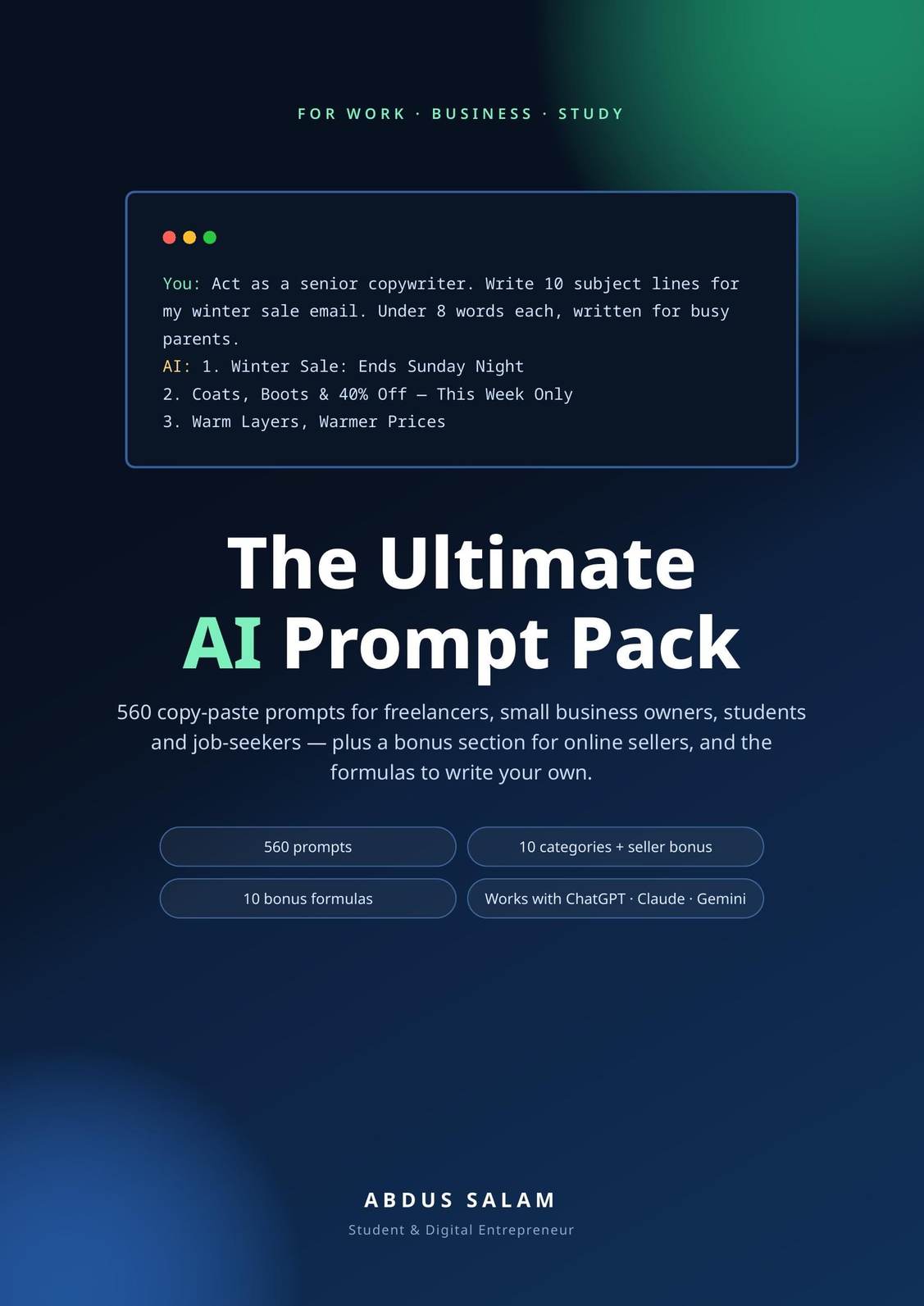
Why these work when "write me an email" does not
Every prompt below follows the same three-part shape, and the shape is the whole trick. It
names the job, hands  ChatGPT your material in [brackets], and pins down
the answer's size and format before it starts writing. Vague prompts return average answers
because average is all they asked for. Swap in your own material wherever you see brackets,
keep the constraints, and the same prompts work in Claude and Gemini too.
ChatGPT your material in [brackets], and pins down
the answer's size and format before it starts writing. Vague prompts return average answers
because average is all they asked for. Swap in your own material wherever you see brackets,
keep the constraints, and the same prompts work in Claude and Gemini too.
One work-safe habit before the list: strip real names, client details and anything confidential out of the material you paste, and swap them back in afterwards. The prompts work just as well with "Client A".
Emails and messages
1. Rescue a blunt draft.
"Rewrite the email below so it is firm but polite. Keep it under 120 words, and keep the deadline and the request exactly as they are. Give me two versions: one softer, one more direct. Draft: [paste your email]"
2. Answer a difficult client.
"A client sent the message below and I need to reply today. Draft a reply that answers their complaint, does not accept blame we do not owe, and offers one clear next step. Calm and professional. Their message: [paste]. The facts from my side: [paste 2–3 short bullets]"
3. Turn bullets into a finished email.
"Turn these rough notes into an email to [person or team]. It should ask for [the decision or information you need] by [date]. Write the subject line, keep it under 150 words, and end with the exact next step. Notes: [paste your bullets]"
Meetings
4. An agenda that ends in a decision.
"I am running a [30]-minute meeting about [topic] with [who attends]. The decision we need at the end is [the decision]. Build an agenda with time boxes, one owner per item, and the question each item must answer."
5. Notes into decisions and actions.
"Turn these meeting notes into three sections: decisions made; actions, each with an owner and a deadline; and questions left open. Flag anything the notes mention twice, since it is probably the thing that matters. Notes: [paste]"
6. Prepare for an interview or a hard 1:1.
"I am interviewing a candidate for [role]. Give me ten questions that show how they actually work, ordered from an easy opener to the hardest question, and for the three most important ones, describe what a strong answer sounds like."
Writing and reports
7. An outline from a mess of notes.
"Turn these rough notes into an outline for a report for [audience]. Group them under headings, mark any place where I make a claim but have no evidence under it, and order the sections the way a busy reader would want them. Notes: [paste]"
8. Cut a document by 40%.
"Cut the text below by about 40%. Keep every number, name and date, and keep the meaning of every claim. Where a whole sentence can go, cut it rather than shrinking it. Text: [paste]"
9. A summary for someone with two minutes.
"Summarise the report below in five bullets for a senior manager. Lead with the result, include the one risk, and end with the decision I need from them. Report: [paste]"
Planning the week
10. Sort the pile.
"Here is everything on my plate this week: [paste task list]. Sort it into must finish this week, should start, and can wait. Protect [3] hours for [your deep work]. Give me a day-by-day plan that puts the hardest thing first each morning, and tell me what you would drop first if the week goes wrong."
11. Break a project into steps.
"Break this project into steps a beginner could follow: [describe the project]. For each step give a rough time estimate and what 'done' looks like. Flag the two steps most likely to stall and how to unstick each one."
12. Turn a one-off task into a checklist.
"I just did this task for the first time and will repeat it every month: [describe roughly what you did]. Turn it into a checklist in the right order, mark the steps that are easy to forget, and add what to prepare the day before."
Numbers and spreadsheets
13. Get a formula, and understand it.
"Write an Excel formula that [describe the result in plain words, for example: adds up column C, but only for rows where column A says Paid]. Then explain in two sentences how it works, so I can adapt it myself next time."
14. Find the patterns in a table.
"Here is a table of [sales / expenses / signups]: [paste]. Find the three patterns a manager would care about, show the numbers behind each one, and finish by saying what this data cannot tell us."
15. Present data without boring anyone.
"I have to present this data to [audience]: [paste table or figures]. Suggest the single best chart for it and why, write the one headline sentence the chart should carry, and give me two backup findings in case the headline gets challenged."
The habit that makes all fifteen better
Save the prompts that earn their keep, with your brackets already filled in for your job, in a note you can search. The second time you run prompt 5 on real meeting notes it takes twenty seconds, and that is the actual time saving on offer here: not a magic sentence, but a small library of your own, growing one good answer at a time. That library is also the honest way to judge whether a paid pack is worth it: if you keep needing prompts you have not written yet, someone else's 560 are a shortcut. If your fifteen cover your week, you already own the right tool.